France Day Trip Planner
Project Summary & Skills Used
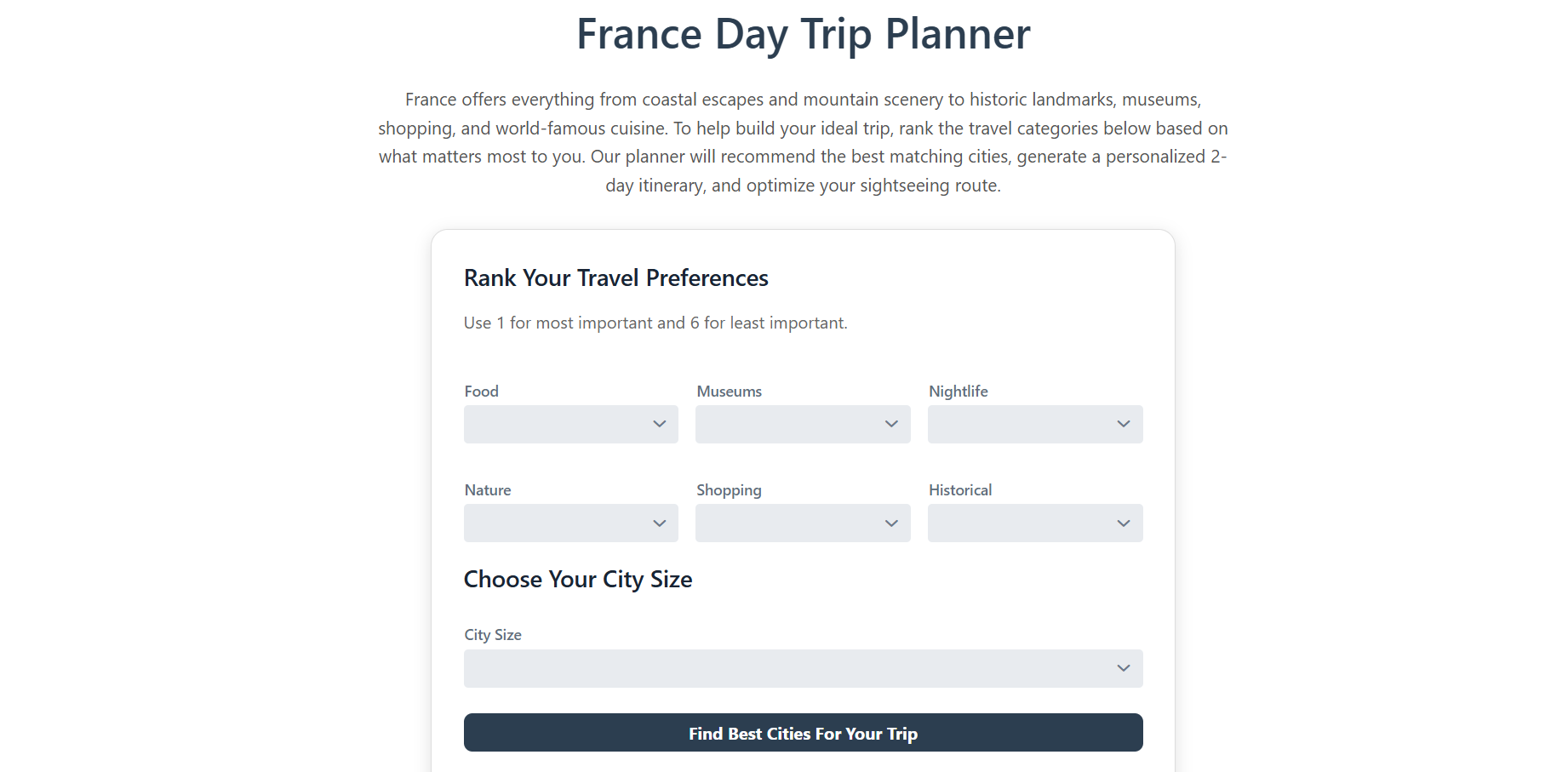
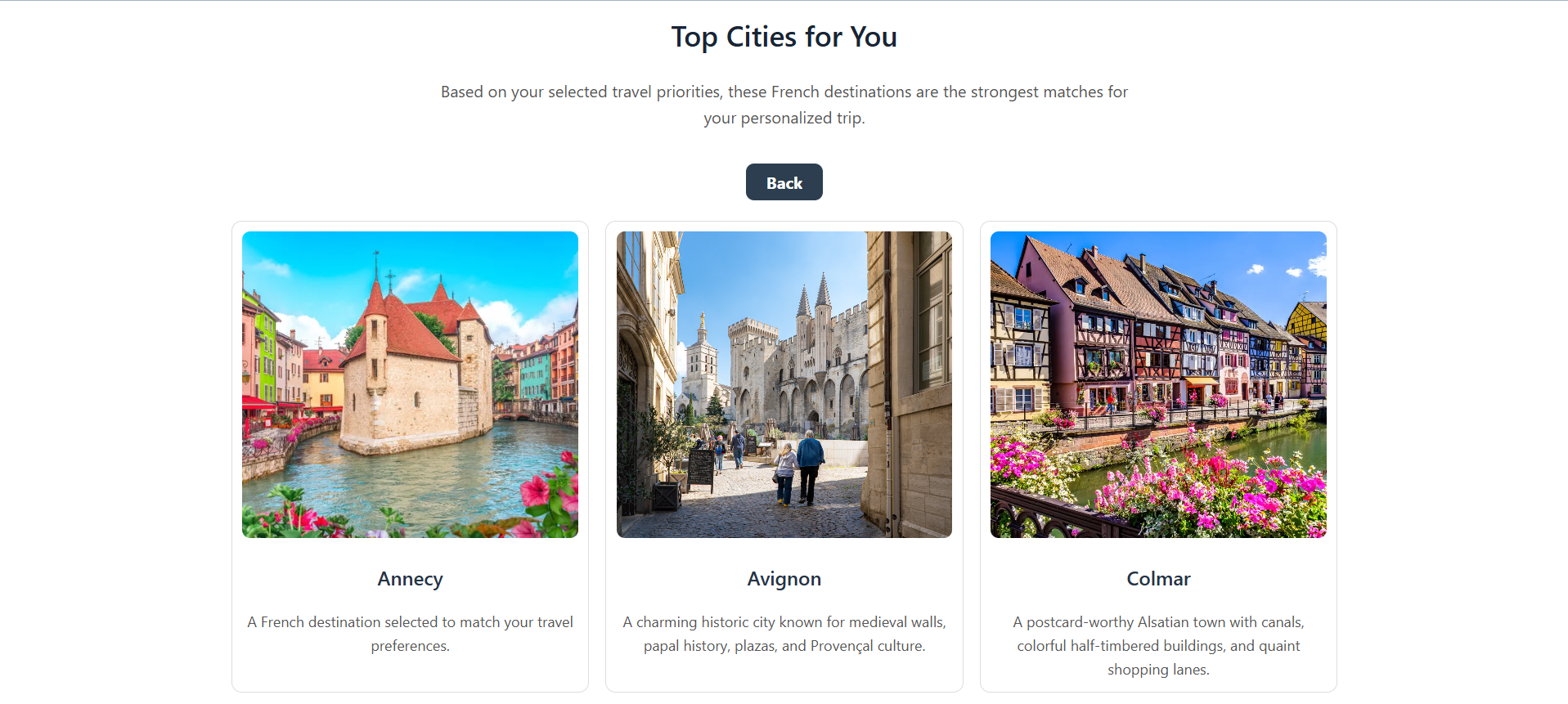
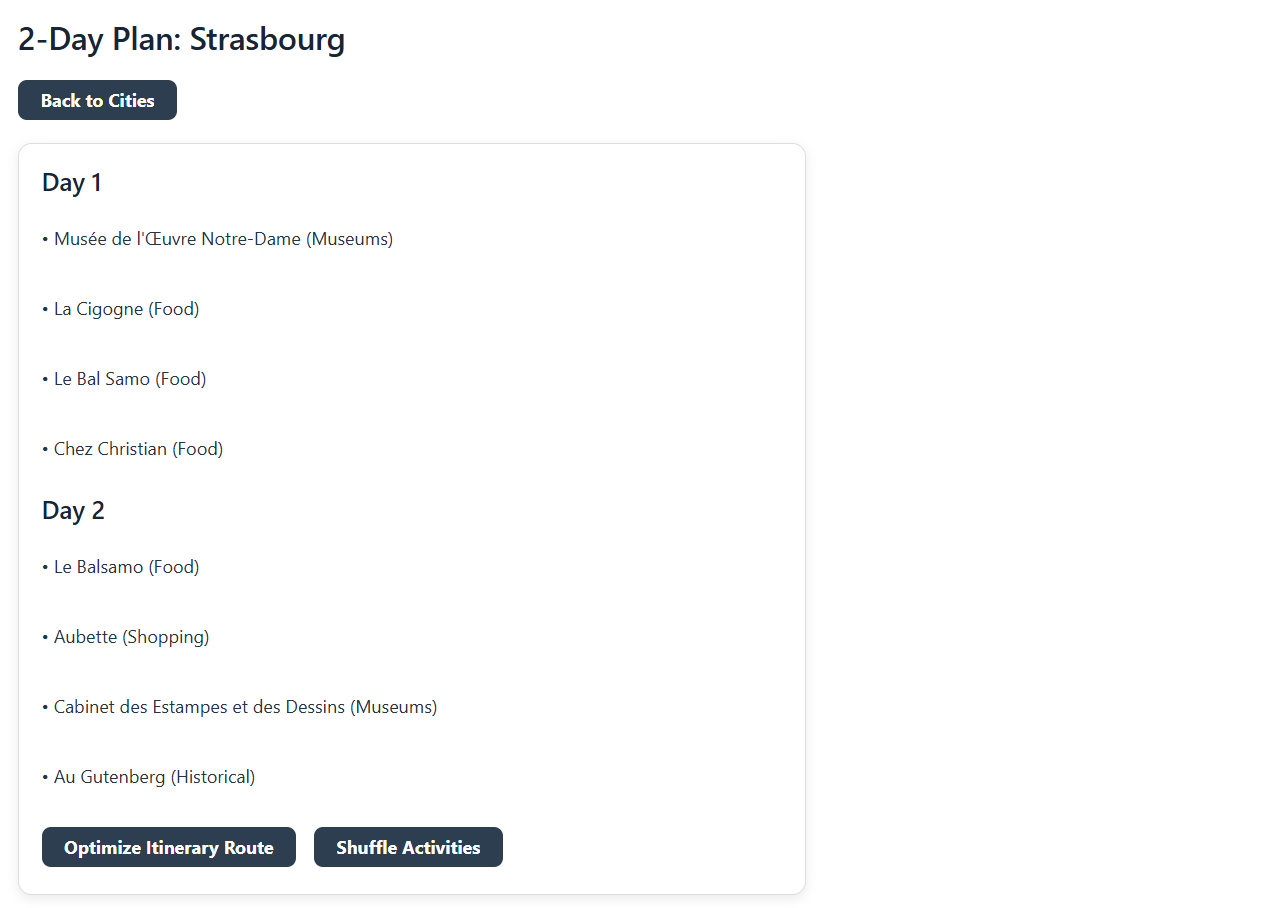
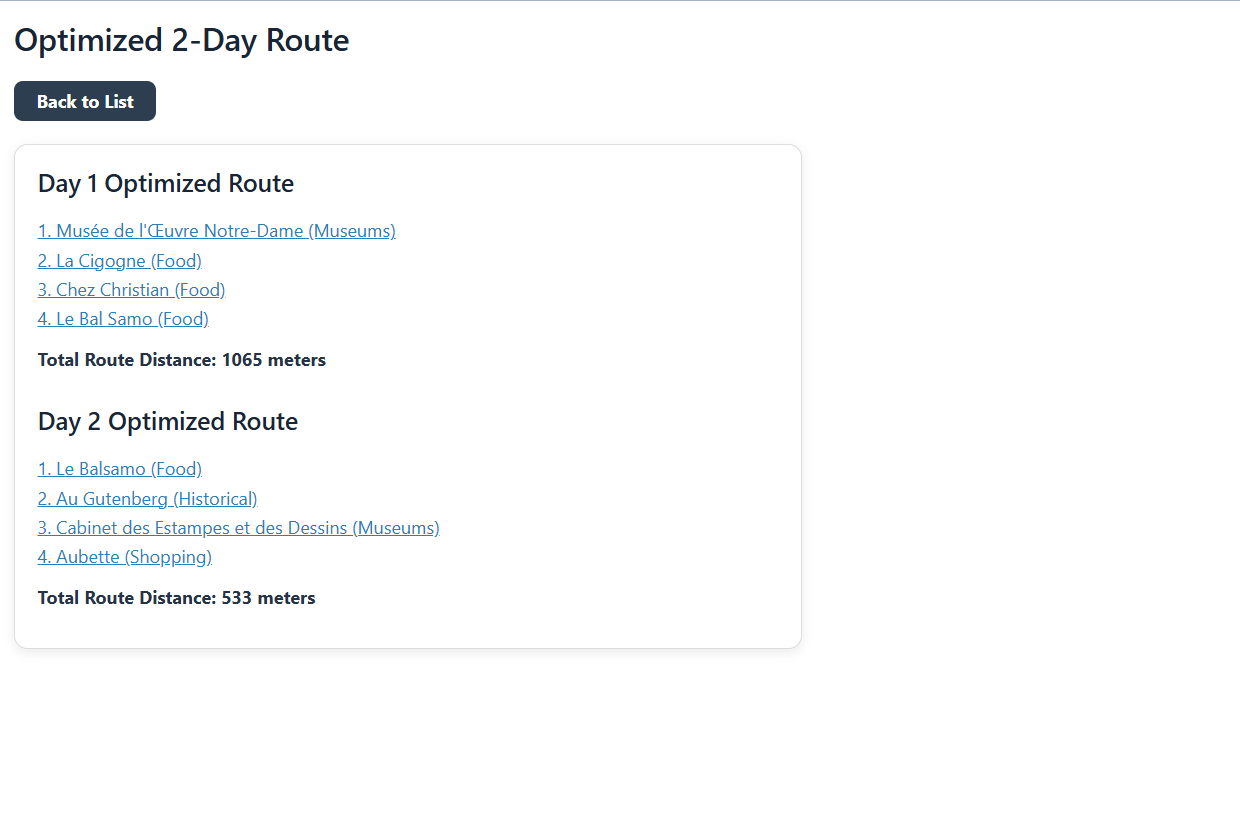
For my Computing Methods II final project, my teammate, Leah Mason, and I developed the France Day Trip Planner, an interactive travel planning tool that helps users build a personalized two-day sightseeing itinerary based on their travel interests. The user ranks travel categories such as food, museums, nightlife, nature, shopping, and historical attractions. The program then recommends cities, generates a two-day itinerary, and optimizes the route between attractions.
This project connects to Industrial Engineering because it combines decision support, data filtering, and route optimization to improve a planning process. Instead of manually comparing cities and attractions, the software uses user preferences and distance calculations to create a more efficient travel plan. The route optimization portion also applies a Traveling Salesman Problem (TSP), a common Operations Research model used to determine an efficient path between multiple locations.
Important skills practiced during this project included:
- Building a Vaadin user interface
- Reading and organizing CSV data with Tablesaw
- Using the OpenTripMap API to gather live attraction information
- Applying Google OR-Tools to solve a Traveling Salesman Problem
Project Development Process
Originally, we had the idea of designing the model so that users could select a country they wanted to visit, after which the program would provide a list of attraction categories to help build their itinerary. However, this approach presented several challenges, particularly with limited user selections and issues in generating detailed attraction-based itineraries on a country-level scope.
To address this, we shifted our approach: instead of choosing a country first, users would select the types of attractions they were interested in, and the program would recommend a country that best matched those preferences. While this helped with personalization, it introduced a new issue- processing the massive amount of data needed to evaluate attractions across multiple countries would require a very large and complex API.
As a result, we refined our goal further by focusing on cities within a single country, France, rather than comparing whole countries. After having multiple setbacks with finding data using APIs, we opted to generate our own dataset of attractions for various cities in France using AI. During this process, we realized that listing cities without considering their size would bias the results toward larger cities, which have more attractions and higher populations.
To fix this issue, we introduced a city-size filter as an additional constraint. This allowed the model to better match user preferences with appropriate destinations, rather than defaulting to major cities. Once we established this dataset and incorporated the necessary constraints, the model development progressed much more smoothly, and the optimization process became significantly more effective.
Toward the end of the project, we identified an API derived from OpenStreetMap that aligned well with our needs and operated efficiently within our constraints. This led to a final adjustment of moving from our AI-generated dataset to real-world data from the API, which provided a broader and more dynamic set of information for generating user itineraries.
After all of these changes, I believe that this model matched our expectations. It ended up being on a much smaller scale than our original design, but the model provides a detailed itinerary for cities in a specific city and gives the optimized route. Even thought the final result changed by a lot, the goal of the project was still achieved.
Key Features and Highlights
Reflection
This project is by far the largest thing I have participated in in my college career. And it is currently something that I am the most proud of. With previous projects in other classes, you walk in having an assignments telling you what you need to do and how you should do it. For this however, you are going in with complete creative freedom. You have to go through all of the stages of production. The process from not having any idea of what to do to presenting my final product was a long and very challenging journey, but it was certainly rewarding.
At the beginning of this project, I had very little knowledge of working with Vaadin or even designing a website. This project drastically increased my experience with coding and design. There was constant fixing and altering in order to get something to look how I wanted it to or for something to work correctly. And with this came lots of errors and debugging. I learned the practice of patience when debugging this project. It can often be a struggle to step back and take things one step at a time, and I learned how important that is when coding. Without having patience with your code, things just become worse and worse.
One thing that I am the most proud of was getting the API to work. We decided to find an API with less than a week before the project was due. And in four days, we were able to find a working API, get it programmed into our code, and have it functionally running. Adding the API contributed to the currency our the project and by being able to take thousands of pieces of data and output a working itinerary is something that I am proud to say that I did.
Even with having completed this project, I would still say that coding is not one of my strong suits. But I have learned so much in terms of complicated functions like using Google-OR Tools or inputting an API. From future projects, to my upcoming capstone project, to even my career, I believe that I will be able to take the things that I have learned from this project and implement them into all of my future endeavors.